Difficulty
Easy
Steps
3
Time Required
00:30:00

In Progress
This guide is currently being written. Reload periodically to see the latest changes.
Quiz
0
Introduction
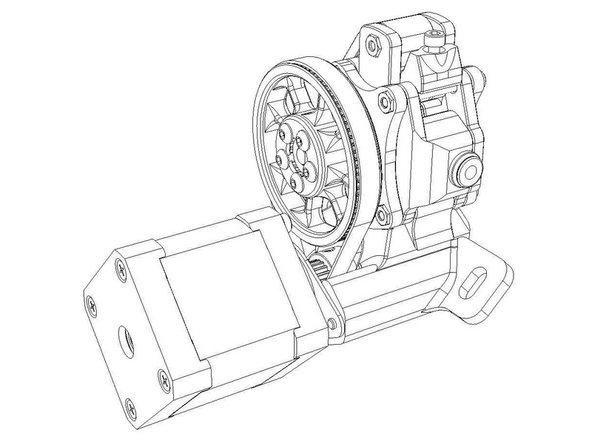
Extruder calibration is critical to quality print results. In order to complete calibration, you will be extruding a known length of filament from the extruder and measuring it as accurately as possible. Calipers make the job easy, but a ruler with mm divisions will work fine. Just note if you are using calipers, 1/10th mm is probably more than accurate for this purpose.
-
-
Open your printer.cfg file in your preferred method. SSH and Nano work very well for this, but WinSCP is a viable method as well.
-
Locate the [extruder] section.
-
Take note of the step_distance value.
-
-
-
test
-
-
-
Open your printer.cfg in your preferred editor
-
Located the [extruder] section
-
Take note of the config line “step_distance” ex step_distance: 0.001833
-

